.webp)


FastAPI 系列
第一个接口怎么跑起来(当前篇)
原理讲完了,先把服务跑起来。目标不是搭完整个项目结构,而是确认三件事:依赖装对、应用对象叫 app、浏览器能打开自动文档。
环境与安装
用 Python 3.11 或更新版本。官方现在推荐 uv 管理项目:
uv init awesome-api --bare
cd awesome-api
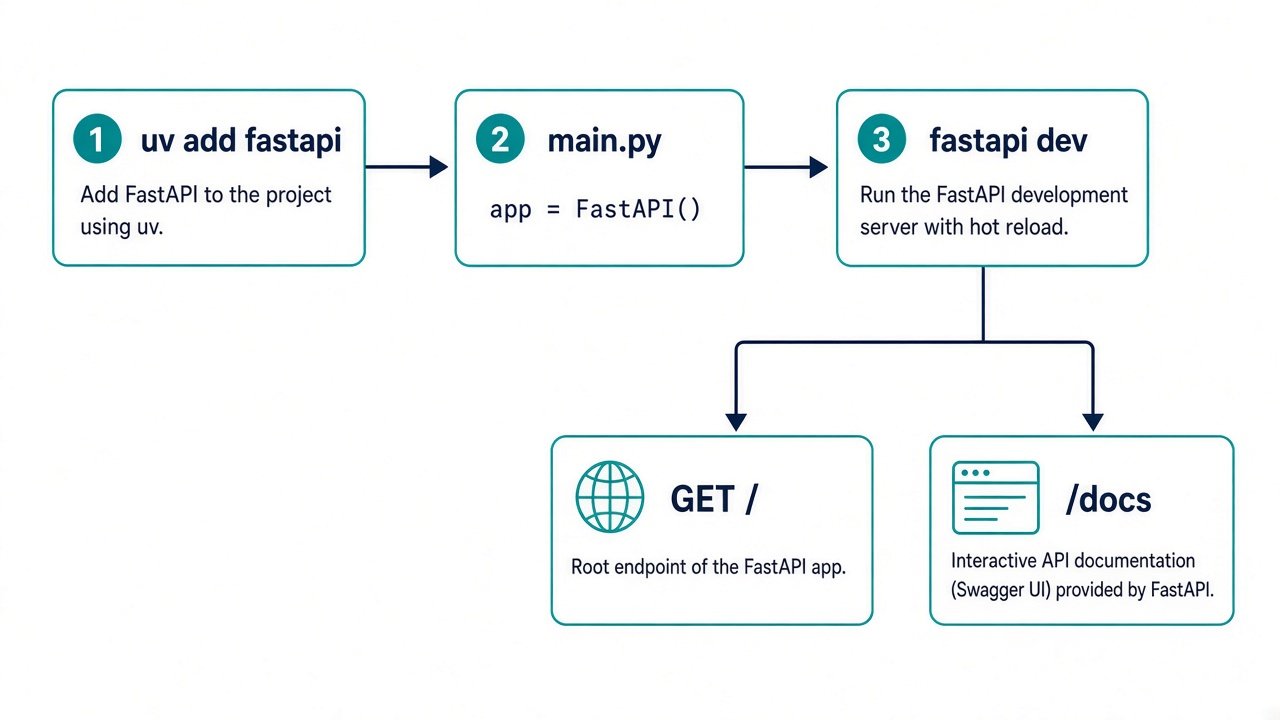
uv add "fastapi[standard]"
fastapi[standard] 会带上 Uvicorn 和开发用 CLI。也可以写进 requirements.txt:
fastapi[standard]
然后 pip install -r requirements.txt。虚拟环境必须有,不要把包装进系统 Python。
最小应用
在项目根目录创建 main.py:
from fastapi import FastAPI

app = FastAPI(title="Awesome API")


@app.get("/")
async def read_root():
    return {"message": "Hello World"}


@app.get("/health")
async def health():
    return {"status": "ok"}
变量名 app 会被服务器导入。写成 application = FastAPI() 也可以,但启动命令要改成 main:application。
开发时怎么启动
官方开发命令:
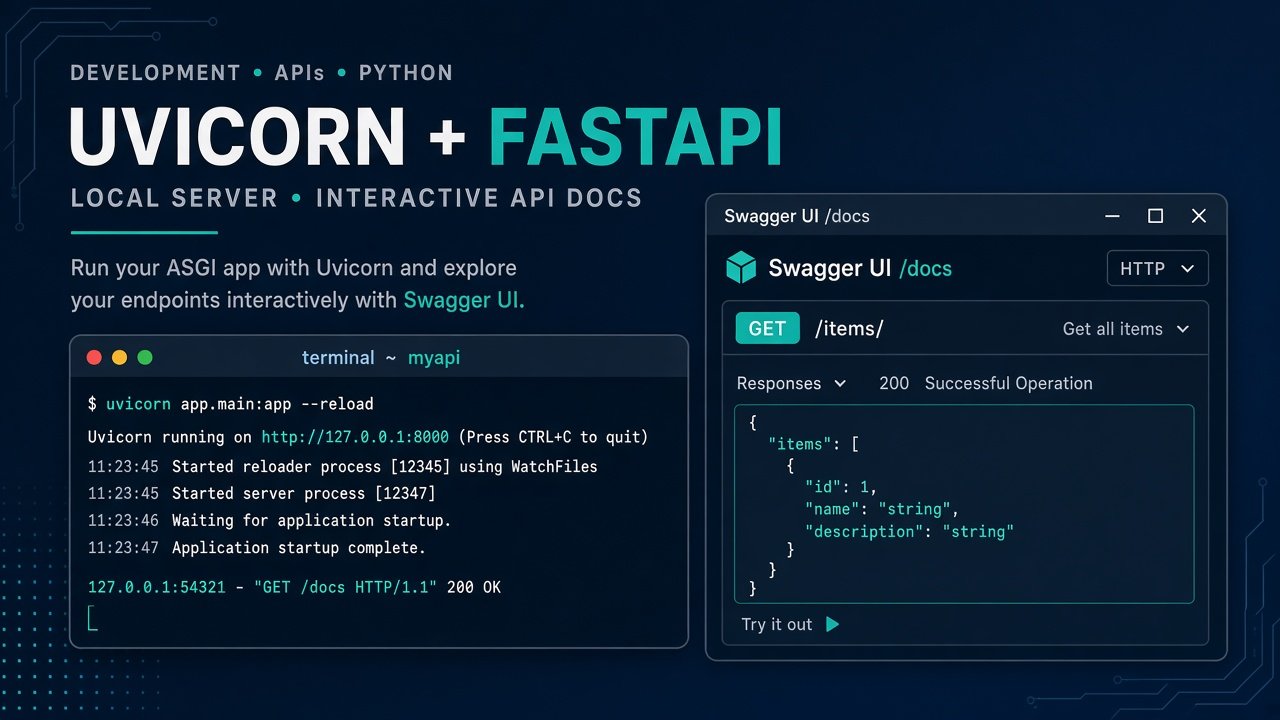
uv run fastapi dev main.py
它默认监听 127.0.0.1:8000,并打开热重载。等价的 Uvicorn 写法:
uv run uvicorn main:app --reload --host 127.0.0.1 --port 8000
fastapi dev 只给本机开发用。生产不要开 --reload,也不要把调试服务器暴露到公网。
怎么确认它活着
浏览器打开:
http://127.0.0.1:8000/应返回{"message":"Hello World"}http://127.0.0.1:8000/healthhttp://127.0.0.1:8000/docsSwagger UIhttp://127.0.0.1:8000/redocReDochttp://127.0.0.1:8000/openapi.json原始 schema
命令行也可以:
curl http://127.0.0.1:8000/health
常见误区
ModuleNotFoundError: fastapi
多半装到了另一个解释器。用 which python 和 uv run python -c "import fastapi" 核对。
Error loading ASGI app. Could not import module "main"
工作目录不对,或文件不叫 main.py。在包含该文件的目录启动,或把模块路径写成 app.main:app。
改了代码页面没变
没用 --reload / fastapi dev,或者改的是正在运行的另一个进程。先看终端里的启动路径。
小结
这一步只要求:虚拟环境、app = FastAPI()、本机能打开 /docs。下一篇开始把 URL 里的路径、查询和 JSON 体拆进不同参数,不再把所有输入都当成一个大字典。
参考资料
第一个接口怎么跑起来:安装、uvicorn 与 /docs
https://lautung.com/archives/fastapi-02-first-app
评论